










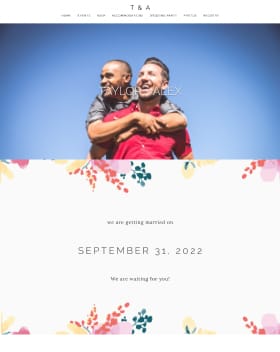





Avatars are often how fellow community members can identify you! We certainly understand privacy concerns, so the picture doesn't have to be of you-- just something unique to you, your wedding, or something that you love! This will make it easier for us to remember who you are and follow your progression of posts.
To do this:
- Click 'Settings' at the top right-hand side of your screen
- Click 'Profile and Privacy Settings'
- Below 'Account Image' on the left, hover your mouse over the avatar and click 'Change Image'
- Select an image from your Photo Album, your Avatars, or Upload from your computer & click 'Update Image'